
Full-screen CarPlay.
Finally yours.
Native wireless Apple CarPlay for your BMW. Edge to edge. For life.
From €24.99 · one-time · no subscription
Everything your BMW
was missing.
Lifetime activation
Pay once. It’s yours forever — not a subscription, and it survives software updates.
Latest iOS, ready
Built for the newest iPhone and iOS. Wireless Apple CarPlay, full width of your display.
Wireless, over Wi-Fi
No cable to the phone. Connects over your car’s Wi-Fi antenna every time you get in.
Android Auto, optional
Add native Android Auto as an extra — Android phones get the real Android Auto interface, not just mirroring.
Fully reversible
Your original iDrive data is backed up first, so every change can be rolled back.
Maps, worldwide
Pick your region from 16 map sets — Europe to Japan — matched to your market.
From a corner.
To the whole screen.
Drag to reveal what changes. Stock CarPlay hides in a split tile. Ours takes the full glass.
Full-screen works on BMW N–Y (N, O, P, Q, R, S, T, U, V, W, X, Y) and MINI V–Y (V, W, X, Y).
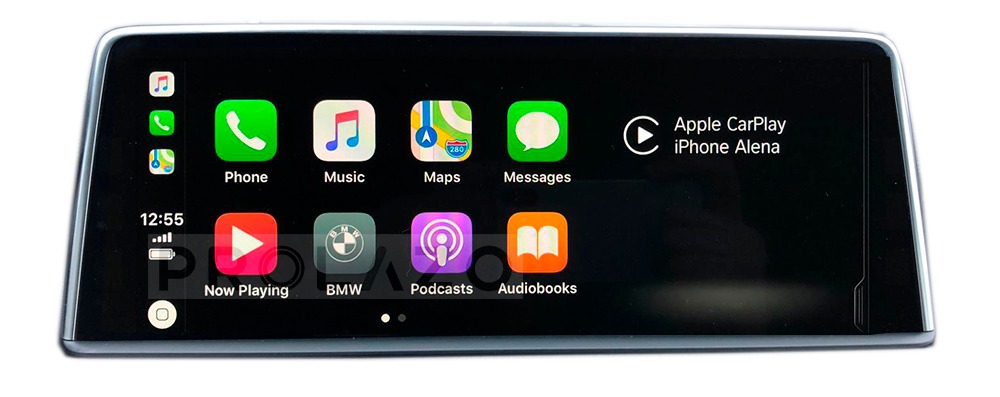
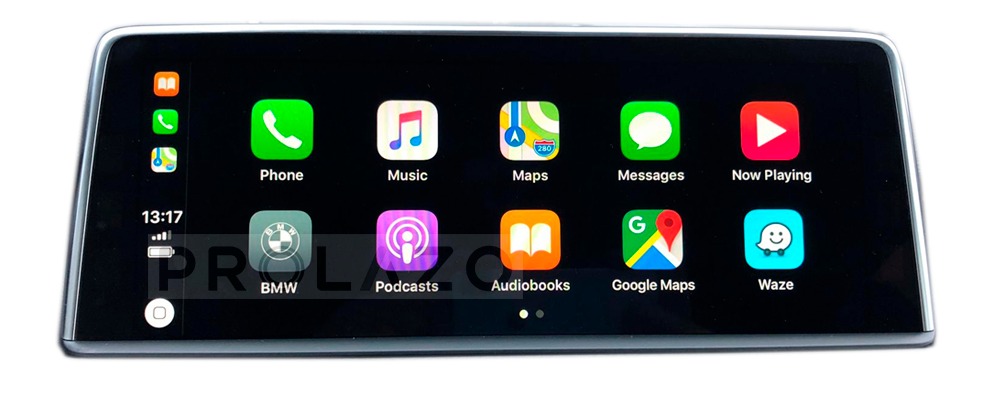
Two ways in.
You choose.
You do it yourself either way — guided step by step, with a PDF for your exact head-unit version.
USB method
For BMW versions H–O: H, I, J, K, L, M, N, O. Nothing to plug into a laptop — the car does the work.
- Format an empty FAT32 USB stick (1–16 GB)
- Copy the activation files we email you
- Insert it in the car and follow the PDF
ENET method
For BMW versions H–Z: H, I, J, K, L, M, N, O, P, Q, R, S, T, U, V, W, X, Y, Z — and all MINI (V, W, X, Y). Done on your own Windows or Mac laptop with an ENET cable.
- Connect a BMW ENET cable between the car and your laptop
- Run our tool and follow the PDF we email you
- It flashes full-screen CarPlay in a few minutes
What you’ll need
Everyday parts you fit yourself — no workshop, no soldering.
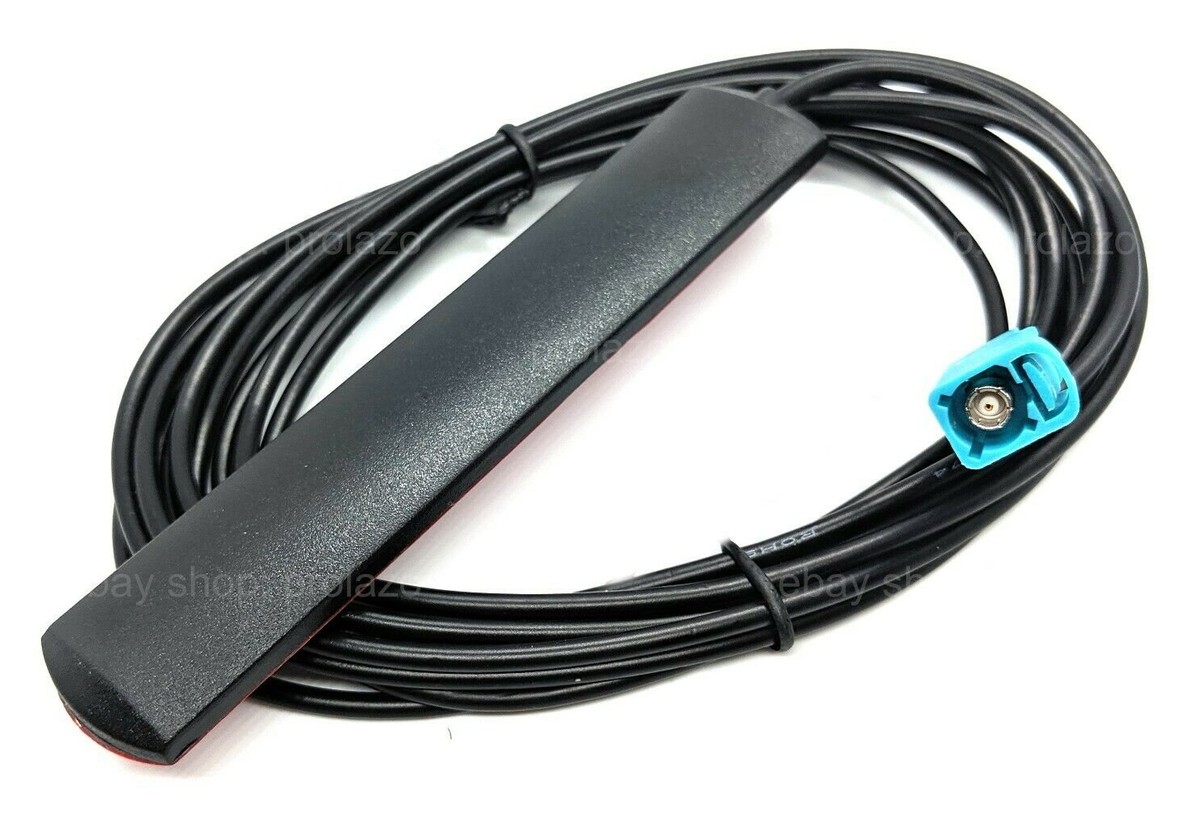
Wi-Fi antenna — needed either way
BMW CarPlay connects over Wi-Fi, so the car needs a FAKRA Wi-Fi antenna fitted. Don’t have one? A compatible BMW antenna like this is inexpensive and easy to add.
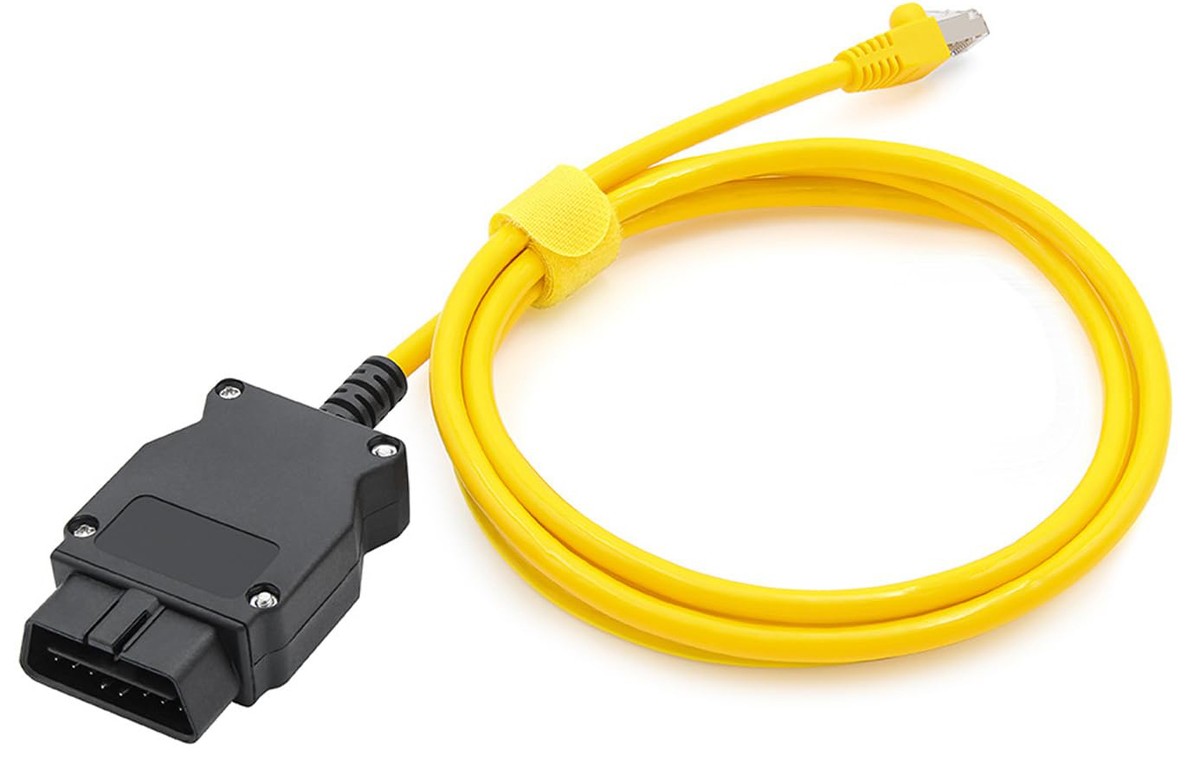
ENET cable — only for the ENET method
A standard “BMW ENET cable” from eBay or Amazon. It plugs into the car’s OBD port and your laptop’s Ethernet port — look for one that looks exactly like this.
Pick your region.
Choose the map set that matches where you drive. Add the latest map data if you want the newest roads.
Optional upgrades.
Add any of these when you order. Availability depends on your head-unit version.
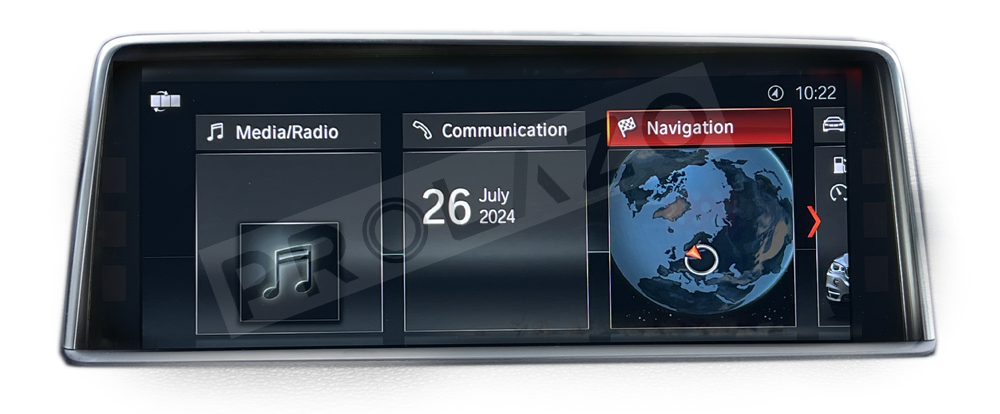
ID6 menu skin
Enables the newer ID6 menu theme on your ID5 iDrive.
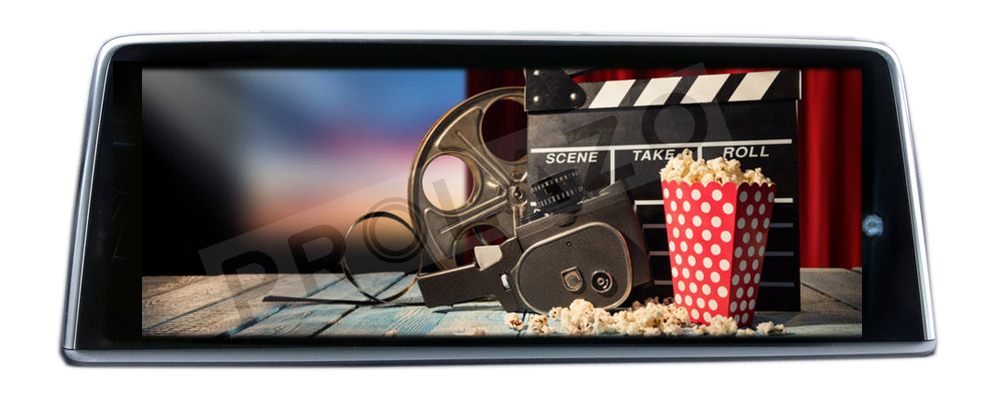
Video in Motion
Play MP4 video files from a USB stick on your iDrive. NBT EVO only.
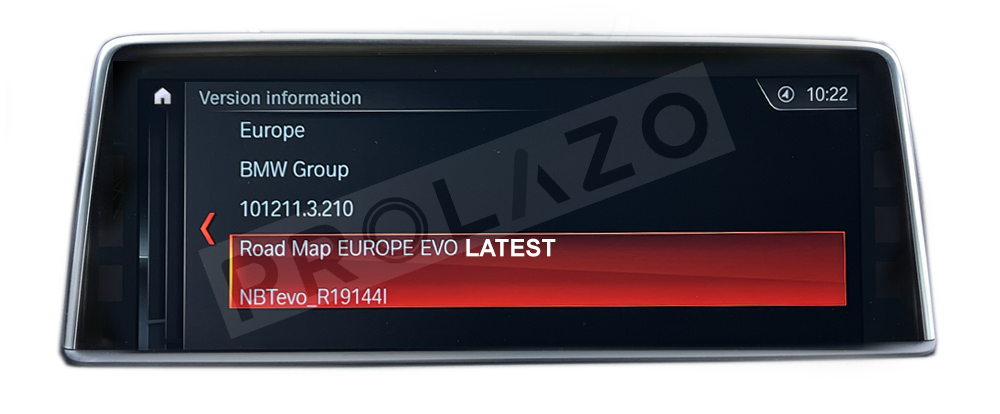
Map data
The latest map data for your region.
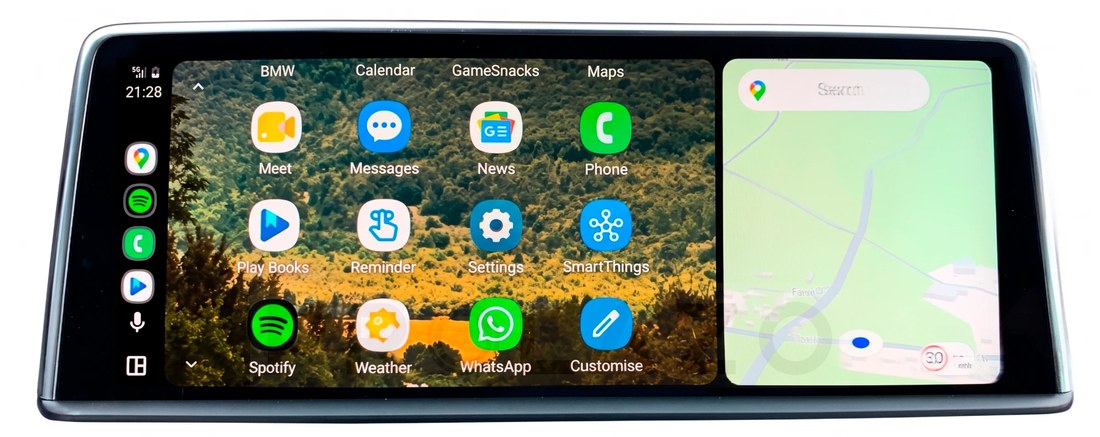
Android Auto
Adds wireless Android Auto. Available on ENET-method versions.
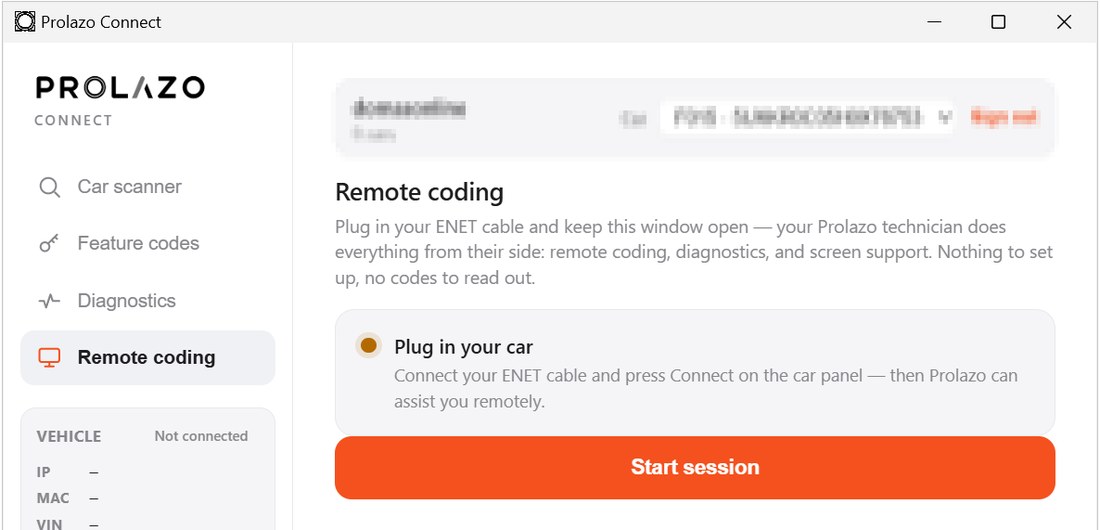
Remote assist — do it for me
Prefer not to DIY? We connect to your laptop and set it all up for you.
Delivered digitally.
No shipping, no waiting on a courier. Everything arrives by email for your exact version.
Activation files
The files for your specific head-unit version, with a step-by-step PDF guide.
Your licence code
A personal activation code, sent straight to your email after checkout.
Map key & data
When you add map data: a map key plus the map data files for your region.
Find your version.
So we send the exact files for your car. Two ways — either one tells you which Version to pick below.
Scan it automatically
Run Prolazo Connect on a Windows laptop with an ENET cable — it reads your head-unit version in seconds and matches the right activation.
Get Prolazo Connect ›Or check it yourself
- In the car, open Navigation.
- Go to Settings → Position and version → Version information.
- Read the NBTevo_… line — that’s your version (e.g. NBTevo_R19144I). The Road Map line shows your region.
- Pick that version and region in “Choose your activation” below, or just send us the photo.
Works on these versions
BMW N, O, P, Q, R, S, T, U, V, W, X, Y
MINI V, W, X, Y
Your version is the letter in the NBTevo_ line (e.g. NBTevo_R…). Below these ranges? Send us a photo and we’ll check.
How to check your version — Navigation → Settings → Position and version → Version information. The NBTevo_ line is your version.
Choose your activation.
Pick your brand, version and map region, add any extras, enter your VIN, and add to cart. From €24.99 (final price depends on version, region and extras).
BMW 1–8 SeriesX1–X7Z4MINI (NBT EVO)Toyota Supra J29
Questions, answered.
Is it a subscription?
Will a software update remove it?
Which head units are supported?
Will I get full-screen?
Do I need anything else?
Can it be undone?
Does it work with Android?
CarPlay EVO activation by Prolazo. Apple CarPlay is a trademark of Apple Inc. BMW, MINI and the model names are trademarks of BMW AG. Prolazo is an independent provider and is not affiliated with, endorsed by, or sponsored by Apple Inc. or BMW AG.