BMW i3 series, I chassis: i01

The BMW i3 (I01) was more than just a car; it was a bold statement on the future of urban mobility. Produced between 2013 and 2022, the i3 combined a revolutionary carbon-fiber reinforced plastic (CFRP) chassis with a sustainable, open-concept interior that felt years ahead of its time. While its electric drivetrain and futuristic design remain relevant today, the early infotainment systems are the one area where the i3 shows its age. Many i3 models were delivered with the small 6.5″ “Business” navigation screen, which leaves a significant amount of unused plastic space on the dashboard. Modernizing an i3 isn’t just about adding features; it’s about aligning the car’s advanced EV soul with a digital interface that matches its “born electric” philosophy.

What options can be installed (retrofitted) to my car?

When these cars were new, the level of technology was determined by which “Line” or “Package” the original owner ticked:

Carplay, Carplay, Carplay...

The i3 followed a very specific hardware evolution, making it one of the best candidates for a clean, OEM-style CarPlay retrofit.

  • 2013–2017 Models: These vehicles were equipped with the NBT system (big display) or Entrynav system (small display). Native CarPlay is not supported by the factory hardware. To get CarPlay, you can install an MMI Prime interface or perform a full NBT Evo ID6 headunit swap.

  • 2018–2022 Models: Late-model i3s came with NBT Evo ID6 (big display) or Entrynav2 (small display) hardware. These units are already CarPlay-capable. If your car didn’t come with it from the factory, it can usually be activated remotely via software, providing a 100% original Wireless CarPlay experience.

Can I add CarPlay to my BMW?

On your iDrive, go to Navigation > Settings > Position and software > Software version to check your map type:

  • NEXT: NBT headunit — CarPlay not supported
  • ROUTE: Entrynav headunit — CarPlay not supported
  • NBTEVO_H to Z: CarPlay is supported
  • WAY: EntryNav2 headunit — CarPlay can be supported (check activation product)
Not sure? Text us on Whatsapp!

Click on the product to learn more:

Headunit retrofits

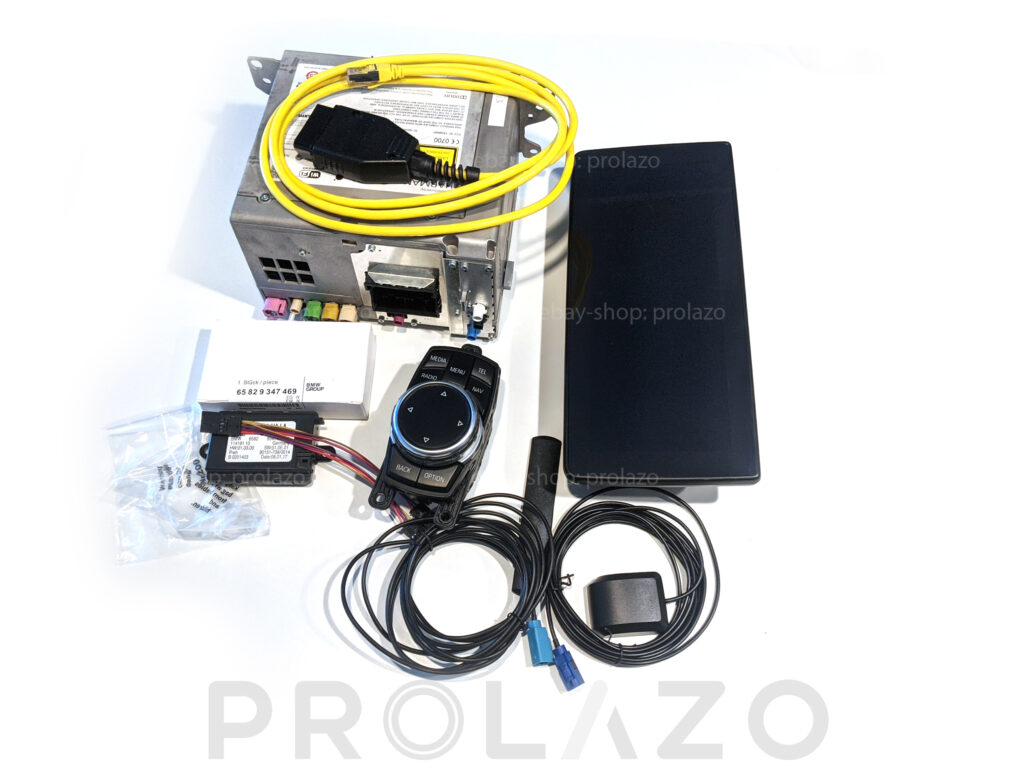
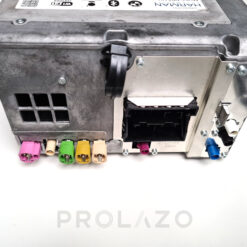
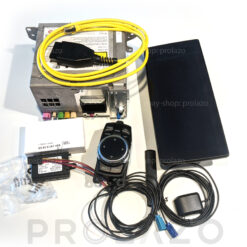
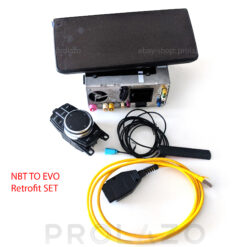
If you have older headunit and you want to have features that were available to a newer model, you can retrofit the headunit or full system or just a screen.

  • 2012–2013 Models: If you have CIC headunit (PREMIUM maps) – we do not recommend to retrofit a headunit, too much struggle and wiring, look for aftermarket MMI box or Android display from eBay, Amazon or Aliexpress which support CIC headunits.
  • 2013–2015 Models: If you have ENTRYNAV headunit (ROUTE maps) – you can go for NBT retrofit (everything will work OEM) or NBTEVO retrofit (please note that ConnectedDrive will no longer work).
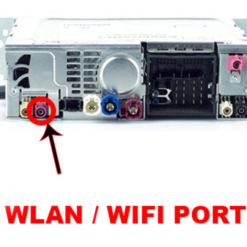
  • 2017–2019 Models: These feature NBT Evo (ID5/ID6) or Entrynav2 hardware. If your entrynav2 does not support CarPlay you can replace headunit with WLAN port.

Not sure? Text us on Whatsapp!

Click on the product to learn more:

Sale!
Rated 0 out of 5
Original price was: €600.00.Current price is: €450.00.
Sale!
Rated 0 out of 5
Original price was: €300.00.Current price is: €250.00.
Sale!
Rated 0 out of 5
Original price was: €600.00.Current price is: €450.00.
Sale!
Rated 0 out of 5
Price range: €800.00 through €1,000.00

From small to BIG display

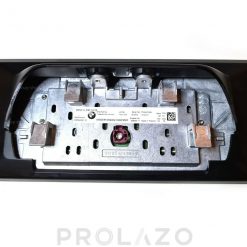
If you are happy with your current head unit and software but lack screen real estate, you can upgrade to a larger display. There are two primary types of displays for BMW: APIX1 and APIX2:

  • APIX1: Used in Entrynav and NBT (Next) systems (approx. 2013–2017). Operates on 8.5V. Features standard resolution and color depth.
  • APIX2: Used in NBT Evo (ID5/ID6), Entrynav2 systems (2018+). Operates on 12V with advanced signaling logic. Offers significantly higher contrast, better sunlight legibility, and higher pixel density. These screens are designed for the vibrant “Live Tiles” of the ID6 interface, and many models include touch capability.

Can I upgrade my display to a larger one?

If you have a 6.5″ APIX1 display: You can upgrade to a larger 8.8″ APIX1 display. After the swap, the head unit must be coded to recognize the new resolution. Please note that you cannot natively retrofit an APIX2 display to an APIX1 head unit.

If you have a 6.5″ APIX2 display: You can upgrade to a larger 8.8″ or 10.25″ APIX2 display. Simple coding is required after installation. Alternatively, you can retrofit an APIX1 display using a special voltage converter cable.

Not sure which one you need? Text us on WhatsApp!

Click on the product to learn more:

Sale!
Rated 0 out of 5
Original price was: €649.99.Current price is: €500.00.
Sale!
Rated 0 out of 5
Original price was: €650.00.Current price is: €500.00.

No rear camera is not acceptable

Due to the i3’s unique rear-pillar design and high beltline, rear visibility is a known challenge. Unlike other models of its era, the i3 was designed with a more modern electrical architecture from day one.

  • Integrated ICAM System: Every BMW i3 equipped with a factory camera uses the ICAM (Integrated Camera) system. Unlike the older F-series models, there is no separate TRSVC control module in the footwell. The intelligence is built directly into the camera handle, which connects directly to the Head Unit and the vehicle’s K-CAN bus.

  • Retrofit Simplicity: Because the i3 is natively ICAM-compatible, retrofitting an OEM camera is often more straightforward than on older F-chassis cars, requiring fewer components and simplified wiring.

Technical Note:

  • Note that car coding is required after any camera retrofit.

Not sure which one you need? Text us on WhatsApp!

Click on the product to learn more:

Sale!

Driving experience retrofits

ICAM rear camera set for BMW I series

Rated 0 out of 5
Original price was: €259.99.Current price is: €249.00.

Software hacks

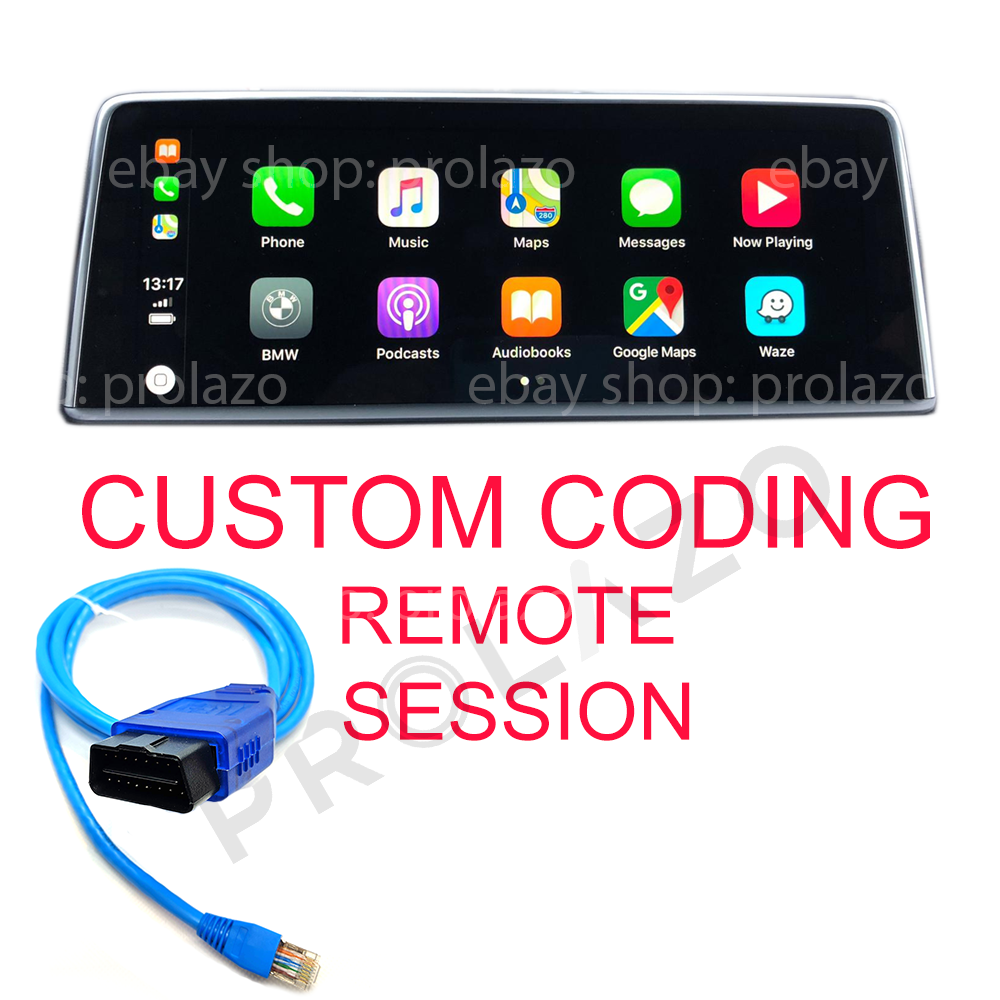
Unlock the hidden potential of your BMW i3 with a Remote coding session. Unlike basic apps, remote coding allows for deep, permanent configuration of your car’s ECUs to enable features that were restricted at the factory, particularly for Range Extender (REx) models.

Top 10 Essential Codings:

  • REx Fuel Tank Unlock: Unlock the full 2.4-gallon physical capacity of your fuel tank (factory-limited to 1.9 gal in North America).
  • Hold State of Charge (HSOC): Enable the manual “Hold” menu to start your REx engine at any point below 75% battery—critical for highway range management.
  • Apple CarPlay Full-Screen: Expand the native CarPlay view to utilize the entire 10.25″ display (for NBT Evo models).
  • Default Driving Mode: Set your i3 to automatically start in Eco Pro or Eco Pro+ to maximize efficiency every time you drive.
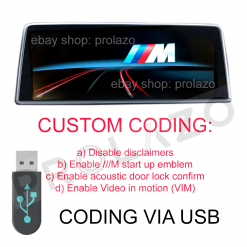
  • Video in Motion: Allow passengers to watch movies via USB while the vehicle is in motion.
  • AM Radio Enablement: Restore access to the AM radio band, which was disabled by the factory.
  • Acoustic Lock: Enable the confirmation “chirp” sound from the alarm siren when locking or unlocking your i3.
  • Auto-Fold Mirrors: Code your side mirrors to fold and unfold automatically with your key fob lock button.
  • Disclaimer Removal: Disable the “Accept” legal screens for the iDrive system and Rear-View Cameras.
  • Window Continuity: Allow windows to finish rolling up even if a door is opened.

Compatibility Note:

  • Available features depend on your car’s specific modules (ECUs). For remote coding session you need to have Windows laptop and ENET cable.

Want to unlock these features? Text us on WhatsApp with your VIN for a custom compatibility list!

Click on the product to learn more: