BMW 3 series, F chassis: F30, F31, F34, F80

The BMW 3 Series (F30/F31/F34) remains the gold standard for a modern sports sedan. Produced roughly between 2012 and 2019, this generation successfully blended BMW’s legendary “Sheer Driving Pleasure” with the technology of the digital era. It was the first 3 Series to switch entirely to turbocharged engines and electric power steering, making it more efficient and daily-driver friendly than any of its predecessors.

While it is a fantastic machine out of the box, many F-Series owners feel their cars are beginning to show their age—specifically in the cabin. Because BMW offered a wide (and often expensive) range of optional equipment, many used models on the road today lack the “must-have” tech that modern drivers expect.

What options can be installed (retrofitted) to my car?

When these cars were new, the level of technology was determined by which “Line” or “Package” the original owner ticked:

Carplay, Carplay, Carplay...

The BMW F30 3 Series had a complicated relationship with Apple CarPlay. It wasn’t even an option for the first five years of production, leaving a huge gap for owners today.

  • 2012–2015 Models: These cars use older CIC or NBT hardware. They do not support CarPlay natively. You need to replace your headunit.
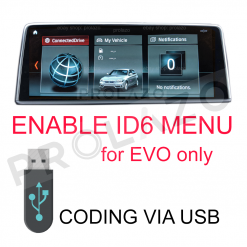
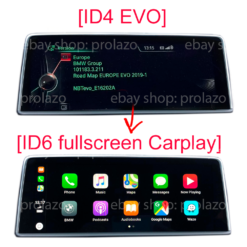
  • 2015–2016 Models: Some cars used NBT Evo ID4 as a transitional unit (July 2015 to June 2016). It does not support CarPlay natively, but can be flashed to ID6 software to enable it.
  • 2017–2019 Models: These feature NBT Evo (ID5/ID6) or Entrynav2 hardware. CarPlay is capable but often requires activation or a subscription.

Can I add CarPlay to my BMW?

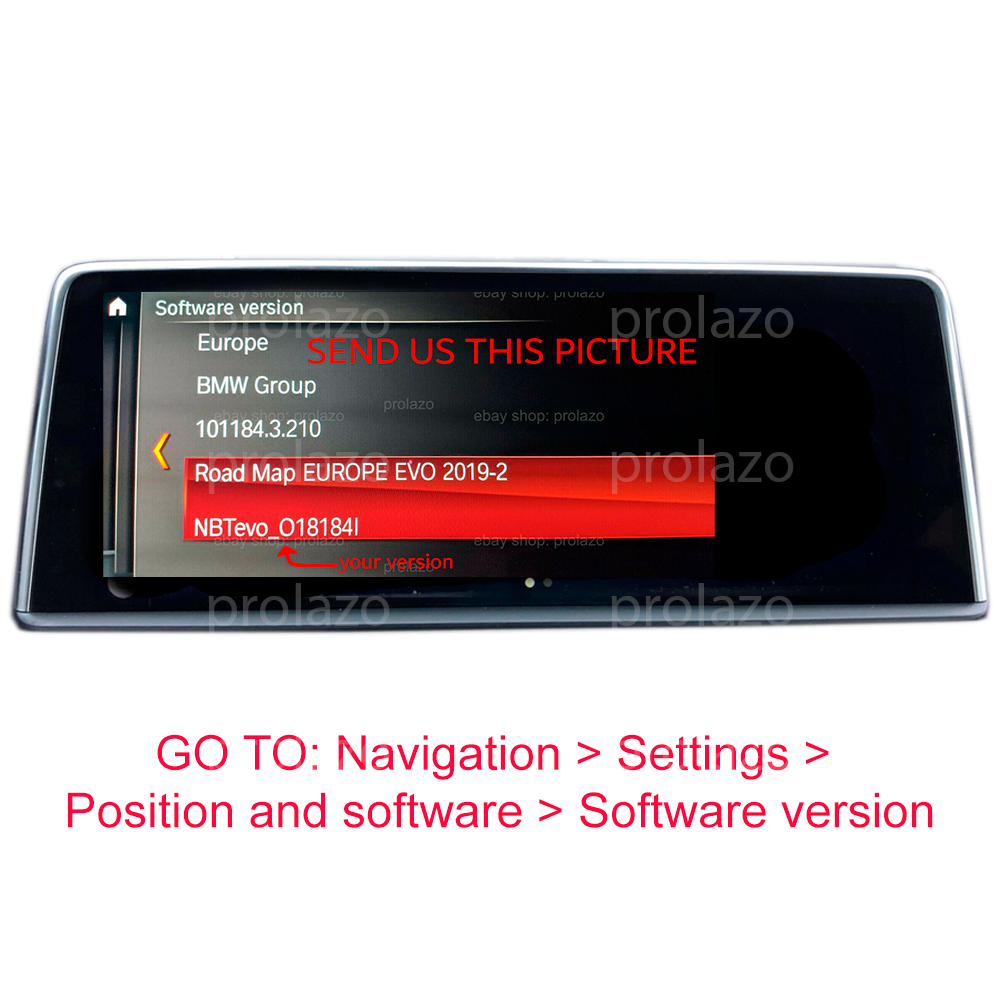
On your iDrive, go to Navigation > Settings > Position and software > Software version to check your map type:

  • PREMIUM: CIC headunit — CarPlay not supported
  • NEXT: NBT headunit — CarPlay not supported
  • NBTEVO_D, E, F, G: ID4 “Green Menu” — CarPlay supported (after flashing)
  • NBTEVO_H to Z: CarPlay is supported
  • ROUTE: Entrynav headunit — CarPlay not supported
  • WAY: EntryNav2 headunit — CarPlay can be supported (check activation product)
Not sure? Text us on Whatsapp!

Click on the product to learn more:

Headunit retrofits

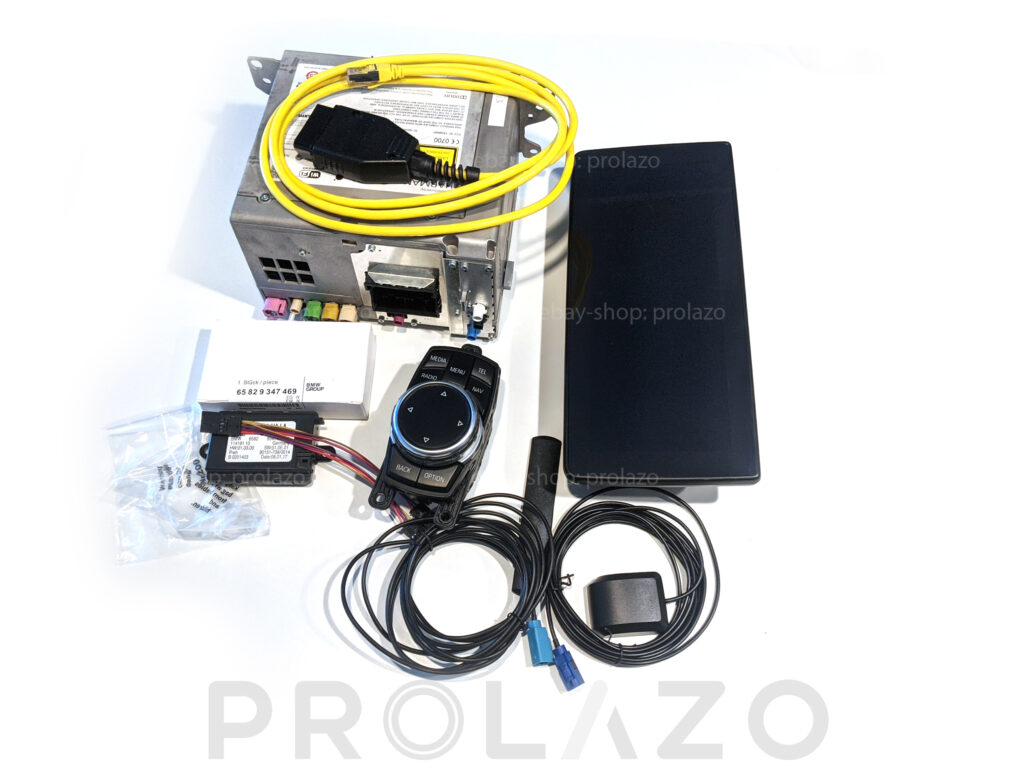
If you have older headunit and you want to have features that were available to a newer model, you can retrofit the headunit or full system or just a screen.

  • 2012–2013 Models: If you have CIC headunit (PREMIUM maps) – we do not recommend to retrofit a headunit, too much struggle and wiring, look for aftermarket MMI box or Android display from eBay, Amazon or Aliexpress which support CIC headunits.
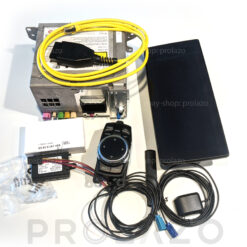
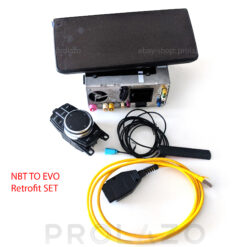
  • 2013–2015 Models: If you have ENTRYNAV headunit (ROUTE maps) – you can go for NBT retrofit (everything will work OEM) or NBTEVO retrofit (please note that ConnectedDrive will no longer work).
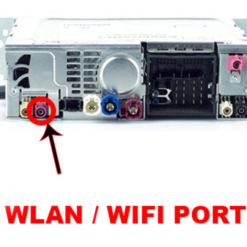
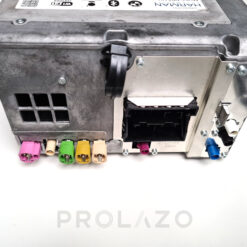
  • 2017–2019 Models: These feature NBT Evo (ID5/ID6) or Entrynav2 hardware. If your entrynav2 does not support CarPlay you can replace headunit with WLAN port.

Not sure? Text us on Whatsapp!

Click on the product to learn more:

Sale!
Rated 0 out of 5
Original price was: €600.00.Current price is: €450.00.
Sale!

Navigation headunit retrofits

BMW NBT headunit with Navigation (activated)

Rated 0 out of 5
Original price was: €300.00.Current price is: €250.00.
Sale!
Rated 0 out of 5
Original price was: €600.00.Current price is: €450.00.
Sale!
Rated 0 out of 5
Original price was: €1,200.00.Current price is: €1,000.00.

From small to BIG display

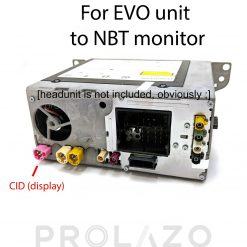
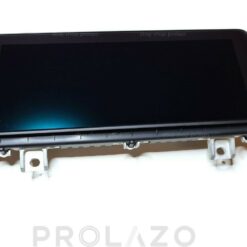
If you are happy with your current head unit and software but lack screen real estate, you can upgrade to a larger display. There are two primary types of displays for BMW: APIX1 and APIX2:

  • APIX1: Used in CIC, Entrynav and NBT (Next) systems (approx. 2012–2015). Operates on 8.5V. Features standard resolution and color depth.
  • APIX2: Used in NBT Evo (ID5/ID6), Entrynav2 systems (2017+). Operates on 12V with advanced signaling logic. Offers significantly higher contrast, better sunlight legibility, and higher pixel density. These screens are designed for the vibrant “Live Tiles” of the ID6 interface, and many models include touch capability.

Can I upgrade my display to a larger one?

If you have a 6.5″ APIX1 display: You can upgrade to a larger 8.8″ APIX1 display. After the swap, the head unit must be coded to recognize the new resolution. Please note that you cannot natively retrofit an APIX2 display to an APIX1 head unit.

If you have a 6.5″ APIX2 display: You can upgrade to a larger 8.8″ or 10.25″ APIX2 display. Simple coding is required after installation. Alternatively, you can retrofit an APIX1 display using a special voltage converter cable.

Not sure which one you need? Text us on WhatsApp!

Click on the product to learn more:

Sale!
Rated 0 out of 5
Original price was: €499.00.Current price is: €400.00.
Sale!
Rated 0 out of 5
Original price was: €499.00.Current price is: €400.00.

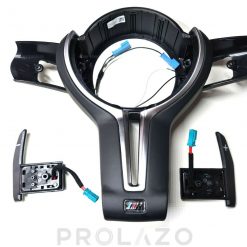
Sporty M steering wheel feels different

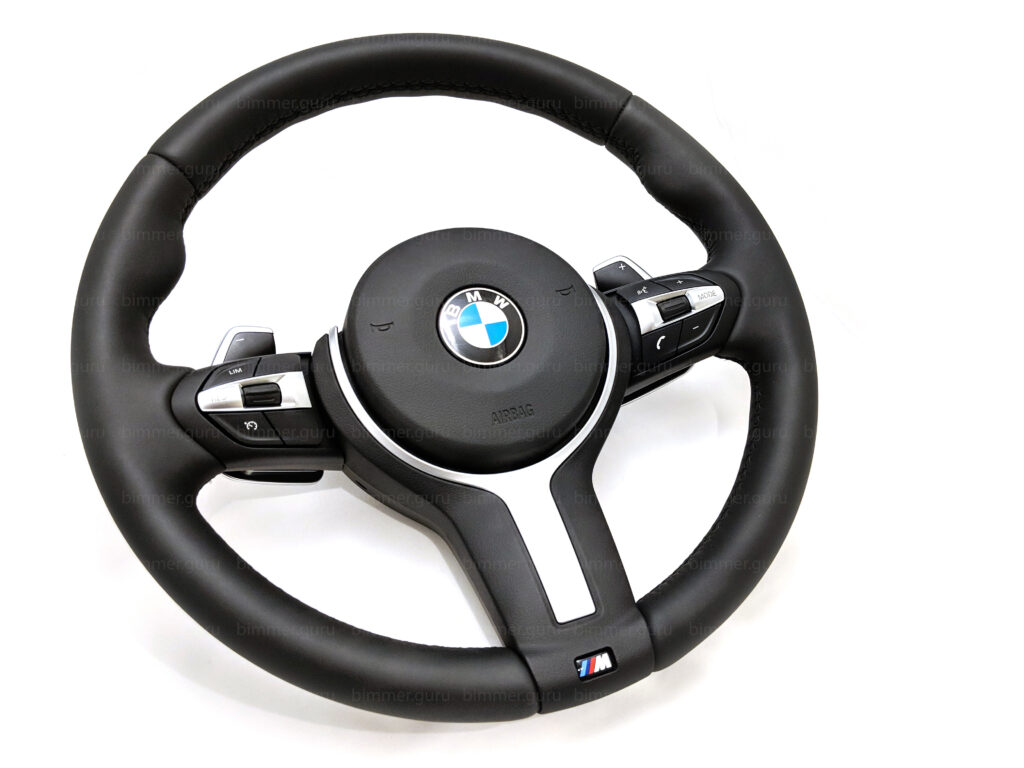
Transform your driving experience by upgrading from the thin, factory wheel to the iconic M-Sport Steering Wheel. As your primary touchpoint, this is the single most impactful interior modification for any BMW F-Series owner.

Why Upgrade to M-Sport?

  • Premium Nappa Leather: Soft, smooth-grain leather for maximum comfort.
  • Enhanced Ergonomics: Thicker rim and thumb rests for a sporty “9 and 3” position.
  • Modern Aesthetics: Sleek, compact round airbag and slim spokes.
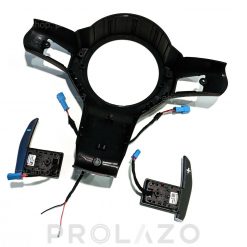
  • Tactile Control: Optional paddle shifters for “Sport Automatic” functionality.

Points to Note:

  • Chassis Mounting: The 5 Series (F10/F11) uses a different mounting hole/spline offset than the 1/2/3/4 Series (F20/F30/F32). They are not interchangeable.
  • Buttons: Layouts differ based on your factory options (Cruise Control, ACC, or Limiter). We match the hardware to your build.
  • US vs. EU Airbags: US-spec cars require Dual-Stage airbags, while EU-spec use Single-Stage. Using the wrong type will trigger an airbag warning.

Not sure which one you need? Text us on WhatsApp!
 

Click on the product to learn more:

No rear camera is not acceptable

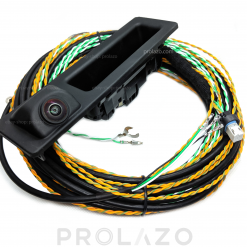
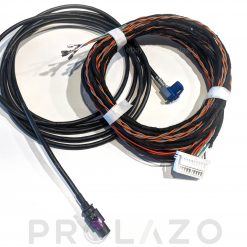
This shouldn’t be an option; it’s a must. When retrofitting a camera, it is vital to know if your BMW uses the TRSVC or ICAM architecture. These systems use different wiring, modules, and camera hardware and are not interchangeable.

TRSVC System (Approx. 2012–2017)

  • Hardware: Found in CIC and NBT (Pre-LCI) models. It relies on a separate control module (brain) usually located in the driver’s footwell.
  • Connection: The camera connects to the TRSVC module, which then sends the video signal to the head unit via an FBAS cable.

ICAM System (Approx. 2018–2019)

  • Hardware: Introduced with the NBT EVO / LCI transition. The “intelligence” is built directly into the camera lens itself.
  • Connection: There is no separate module. The ICAM unit connects directly to the Head Unit and the car’s K-CAN bus for power and data.

Which Retrofit is Right for You?

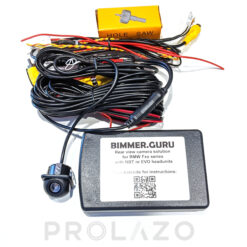
  • For cars with NBT or EVO systems: We recommend the aftermarket blackbox system. It is cheap, acts like OEM systems, good quality picture.
  • For 2018+ cars: We recommend to go for OEM ICAM, as your car FEM already supports it, good quality, pretty simple to install.
  • For older cars: Stay with OEM TRSVC camera. 

Technical Note:

  • Note that car coding is required after any camera retrofit.

Not sure which one you need? Text us on WhatsApp!

Click on the product to learn more:

Sale!

Driving assist retrofits

ICAM rear camera set for BMW F series

Rated 0 out of 5
Original price was: €259.99.Current price is: €229.99.
Sale!

Driving assist retrofits

NBT and EVO camera set for BMW F series

Rated 0 out of 5
€249.99 Original price was: €249.99.Current price is: €199.99.

Cluster retrofits

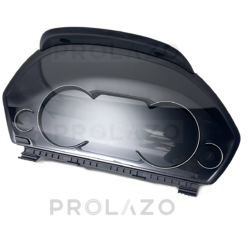
Upgrade your dashboard with the 6WA Semi-Digital or 6WB Full Digital Instrument Cluster. This is the ultimate visual centerpiece for the F-Series, replacing the basic analog needles with a high-tech, modern display.

6WA: The Semi-Digital Classic

  • Design: Physical rings with an extended high-res LCD screen at the bottom.
  • Features: Displays navigation instructions, media info, and efficient dynamics in a crisp digital format while keeping the traditional BMW feel.

6WB: The Full Digital Experience

  • Design: A fully adaptive liquid crystal display that eliminates physical needles entirely.
  • Adaptive Modes: The layout transforms completely when you switch driving modes (Comfort, ECO PRO, and a red-themed Sport mode).

Crucial: Head-Up Display (HUD) Compatibility

  • Hardware Lock: If your car has a Head-Up Display (HUD), you must buy a cluster version with the dedicated HUD video port. A non-HUD cluster will disable your projector entirely.

Technical Points:

  • Coding & Mileage: Retrofitting requires clearing the “Red Tamper Dot.” We provide pre-virginized clusters or remote coding to sync your car’s correct mileage and service history.
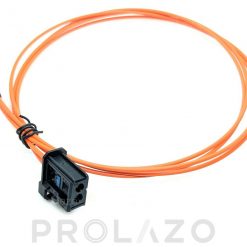
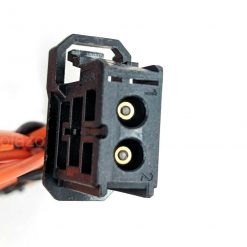
  • MOST Fiber: Requires a fiber optic connection to your Head Unit for navigation and media data.

Not sure which one you need? Text us on WhatsApp!
Click on the product to learn more:

Sale!
Rated 0 out of 5
Original price was: €19.99.Current price is: €12.99.
Sale!

Interior retrofits

BMW cluster 6WB for F30

Rated 0 out of 5
600.00700.00

Software hacks

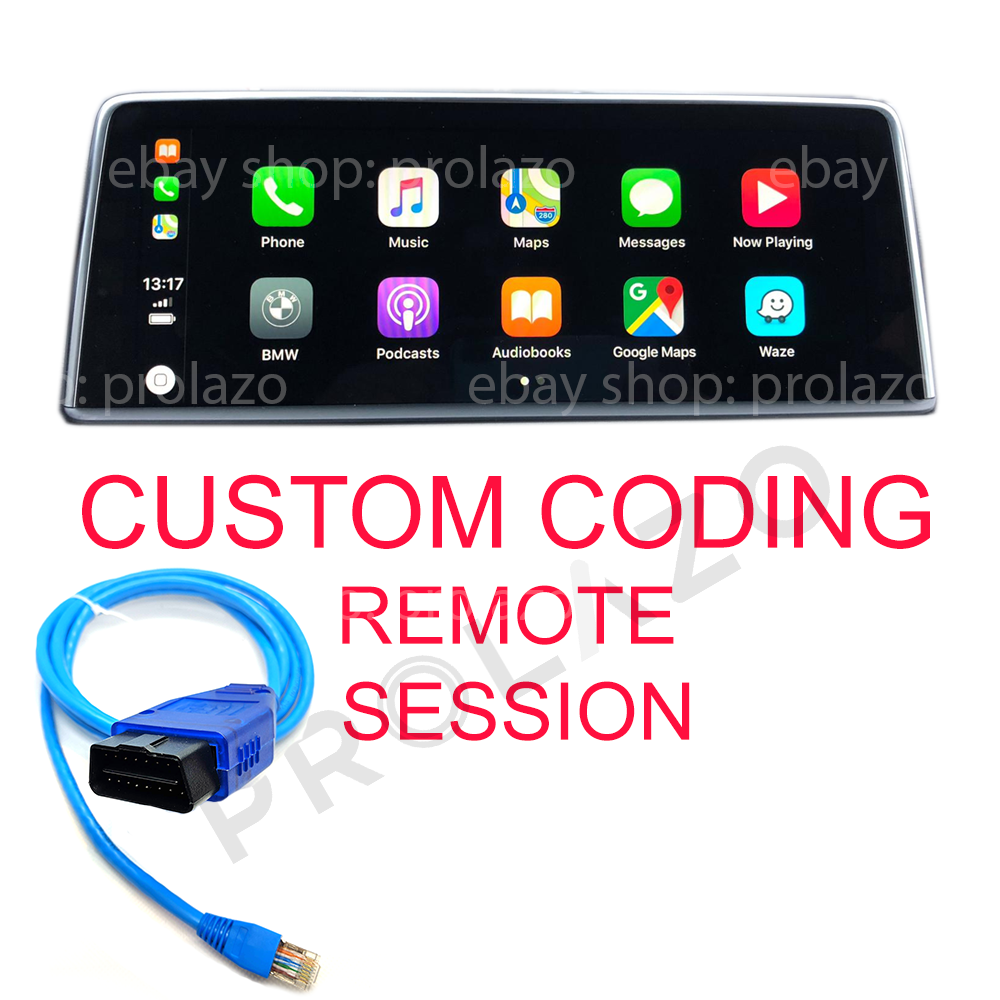
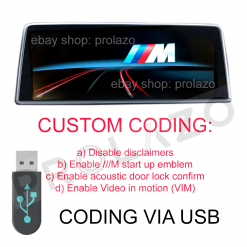
Unlock the hidden potential of your BMW with Remote coding session. Unlike basic apps, remote coding allows for deep, permanent configuration of your car’s ECUs to enable features that were restricted at the factory.

Top 10 Essential Codings:

  • Apple CarPlay Full-Screen: Expand the native CarPlay view to utilize the entire 8.8″ or 10.25″ display.
  • Enhanced Bluetooth (6NS): Stream music via A2DP, connect two phones at once, and enable office/text functions.
  • Sport Automatic (2TB): Flash the 2TB software for faster shifts, Launch Control, and paddle shifter support.
  • Video in Motion: Allow passengers to watch movies via USB while the vehicle is driving.
  • Digital Speedometer: Add a permanent digital V= speed readout in your instrument cluster.
  • Acoustic Lock: Enable the “chirp” sound from the alarm siren when locking or unlocking the car.
  • Auto-Fold Mirrors: Code your side mirrors to fold/unfold automatically with your key fob lock button.
  • Start/Stop Memory: Set the Auto Start/Stop to remember your last setting (Off stays Off).
  • Disclaimer Removal: Disable the “Accept” legal screens for iDrive and Rear-View Cameras.
  • Custom DRLs: Set Angel Eyes to 100% brightness and enable “Scandinavian” rear DRLs.
  • Startup Animations: Change your cluster or iDrive splash screen to M-Performance logo.
  • Window Continuity: Allow windows to finish rolling up even if a door is opened.
  • Rear Cam at Any Speed: Activate your rear-view camera even while driving forward at highway speeds.

Compatibility Note:

  • Available features depend on your car’s specific modules (ECUs). For remote coding session you need to have Windows laptop and ENET cable.

Want to unlock these features? Text us on WhatsApp with your VIN for a custom compatibility list!

Click on the product to learn more: